Overview
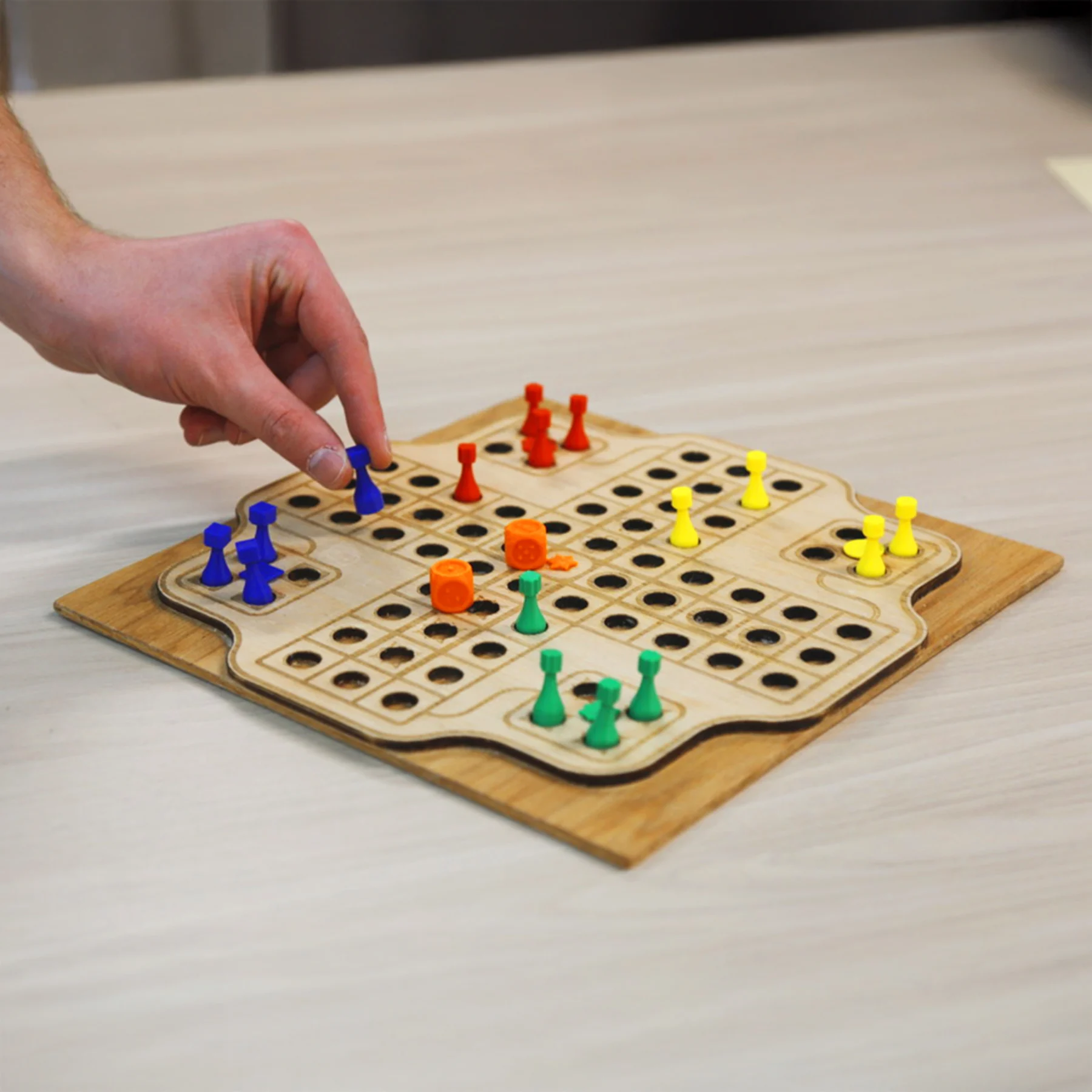
This project will challenge you to design and prototype a tactile board game for someone who is low vision or blind. The game should be an original design, not a copy of an existing board game.
Materials Needed
- The writing utensil (pen, marker, pencil, crayon, etc.)
- Modeling materials
- Foam, cardboard, clay, etc.
- Filament (if 3D printing)
- Scissors, ruler, tape
- Something to brainstorm drawings on (paper, whiteboard, etc.)
Learning Objective Phases
-
- Identify accessibility challenges for players who are apart of the blind and low vision community that want to engage in a board game activity
- Generate multiple design ideas for a tactile board game
- Select tactile elements (textures, shapes, spacing, contrast) that communicate fame information through touch
- Design and build a functional tactile board game prototype
- Test the game by playing it to evaluate accessibility and usability
- Evaluate how well the game communicates rules, game state, and player actions through non-visual cues. Then iterate based on this evaluation.
Phase 1: Understanding Tactile Accessibility in Games
Students understand barriers in traditional board games and define an accessibility-focused design challenge.
-
- Explore examples of tactile or accessible games
- Introduce yourself to tactile design concepts – texture, spacing, shapes, etc.
Phase 2: Game Ideation and Concept Development
Students will brainstorm tactile board game concepts that prioritize accessibility.
-
- Sketch out several ideas of game ideas and the mechanics of how it will work
- Identify how each idea communicates information through touch
Phase 3: Tactile Design Elements and Materials
Students will make intentional tactile design decisions.
-
- Explore tactile symbols, textures, patterns, spacing and determine which of these will convey information in your game idea
- Create a final sketch of the game design that you plan to fabricate
- Establish a plan on how that design will be physically created and what materials will be used
Phase 4: Prototyping the Tactile Board Game
Students will build a playable tactile board game prototype.
-
- Start fabricating the game design by following the plan you created to make your product
- You can always start with a simpler prototype to test how functionality of your game, then go back and fabricate a more finalized version
- Make sure to fabricate the board, game pieces and other tactile indicators
Phase 5: Testing Your Game Design
Students will test the accessibility and clarity through gameplay.
-
- Develop a test plan of how you will test your prototype
- You can initially test the game yourself, but it is best to have someone who has low vision or blindness to test the accessibility of the game
- Collect feedback on what worked and what needs improvement
Phase 6: Iteration and Game Refinement
Students will improve their game based on feedback from users.
-
- Identify changes to improve the game based on feedback from testing
- Modify the game to reflect the changes you identified
- Retest the modified game to see if it reflects the changes, you identified
- Reflect on the overall process, what did you learn?